Owser: Private Browser
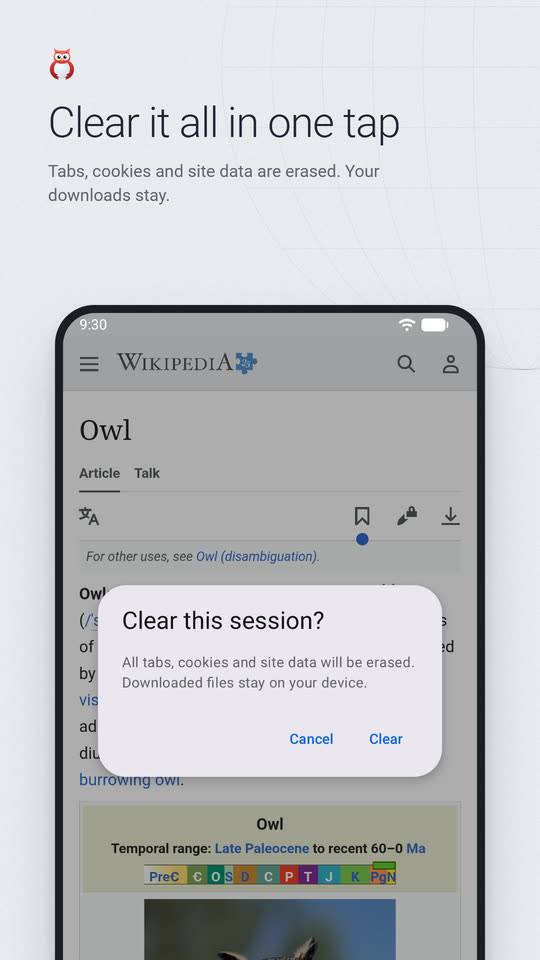
A light browser for one-off sessions: browse, then clear it all with one tap
- Private browser
- Clear on exit
- App lock
- No account
About
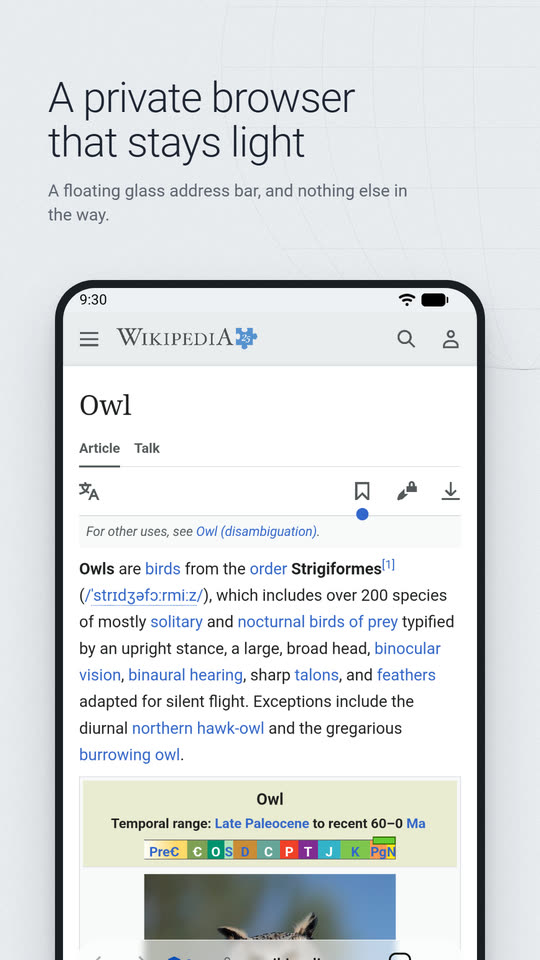
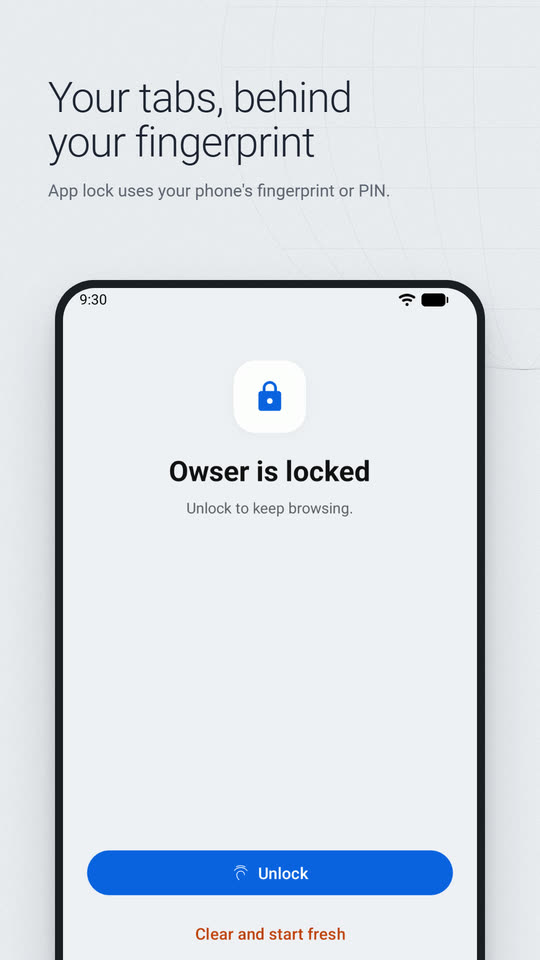
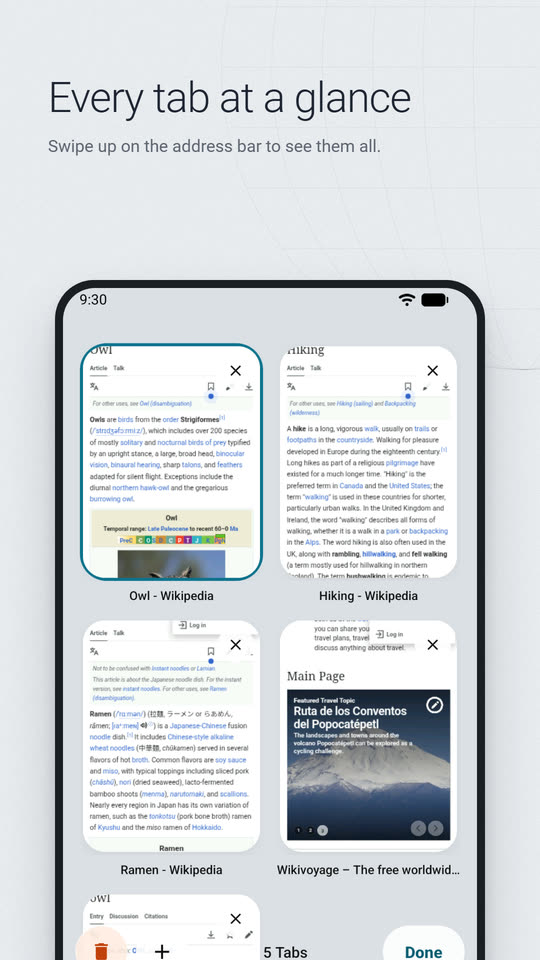
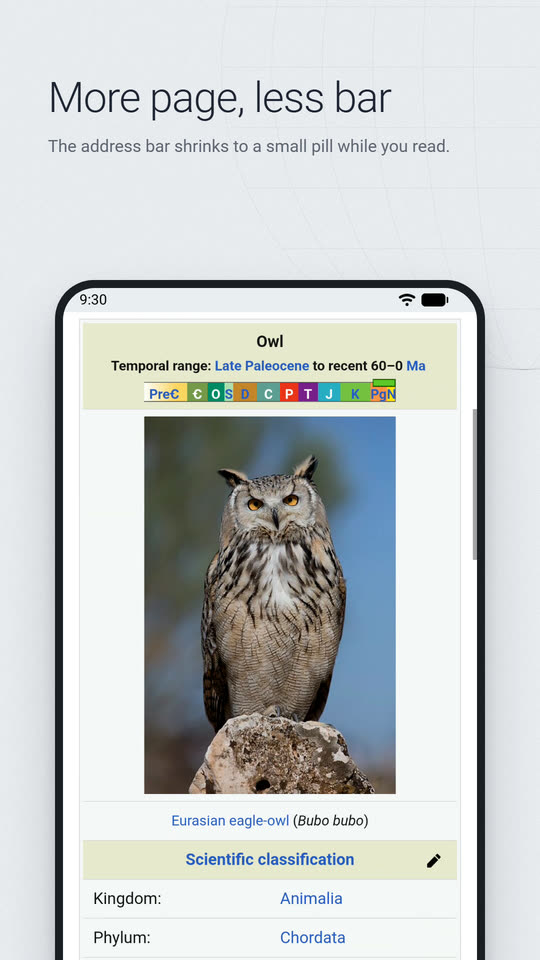
Owser keeps no browsing history. Open tabs, search and browse from a floating address bar, and when you are done, one tap on Clear erases every tab, cookie and bit of site data. Lock it with your fingerprint or PIN, and turn on Block Web Ads when you want fewer ads on the pages you visit. There is no account.
Features
- One tap on Clear erases tabs, cookies, site data and cache; downloaded files stay in your Download folder
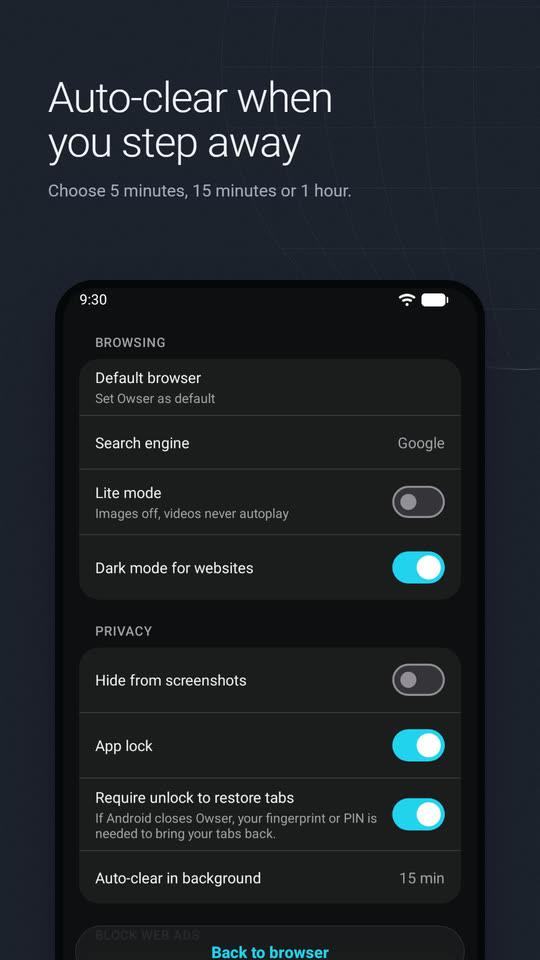
- Swiping Owser away from Recents clears the session too, and auto-clear can wipe it after 5 minutes, 15 minutes or 1 hour in the background
- App lock with your fingerprint or PIN; tabs saved only to survive a system kill, encrypted on the device
- Hide from screenshots: Owser shows up blank in Recents and screenshots
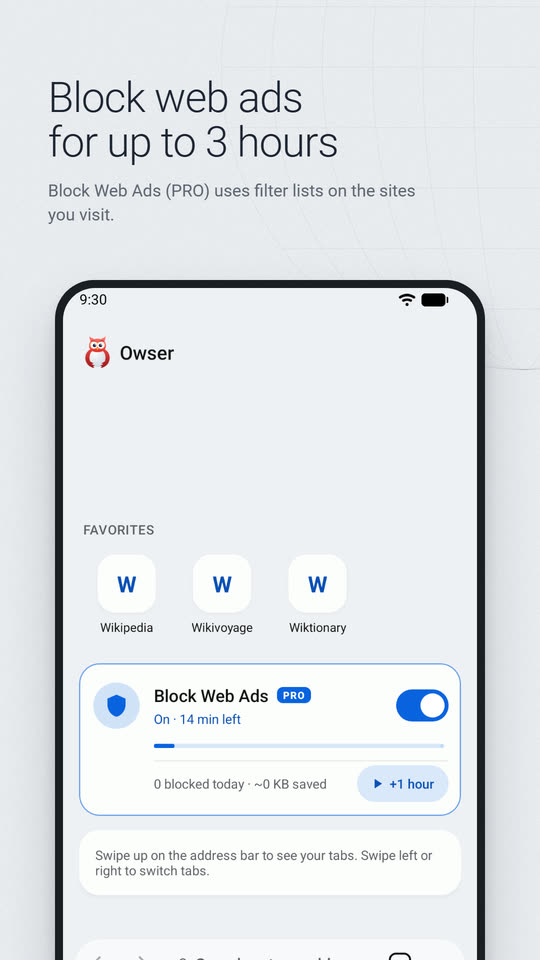
- Block Web Ads: one short, optional ad turns it on for an hour, up to three, with allowed sites and your own filter lists
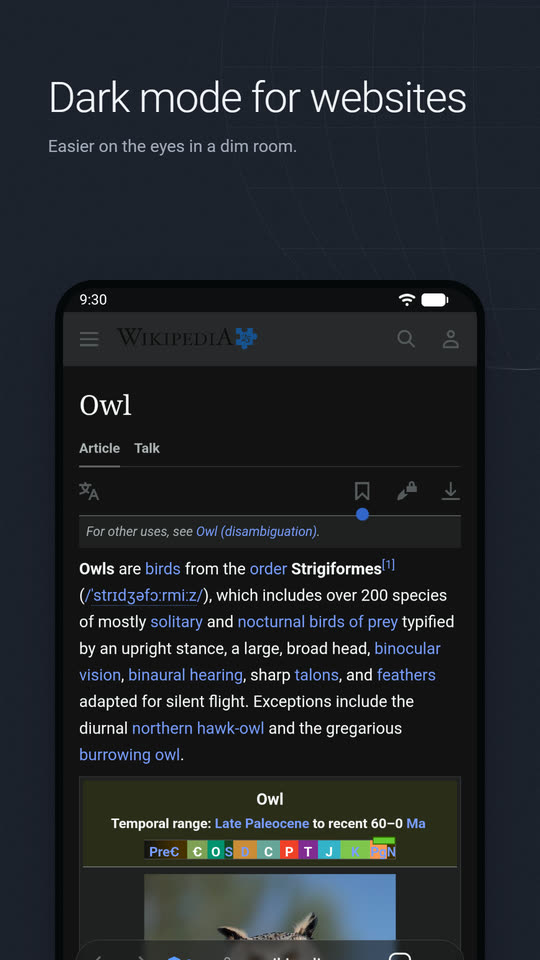
- Lite mode without images or autoplay, and a dark mode for websites
- Google, DuckDuckGo or Bing search, up to 12 Favorites, desktop site, downloads you confirm, and it can be your default browser
- Light, dark or system theme, with six accent colors