Browser VPN: Private Browser
Private browser with a built-in VPN: pick a location, connect and browse
- Private browser
- Built-in VPN
- Private tabs
- No account
About
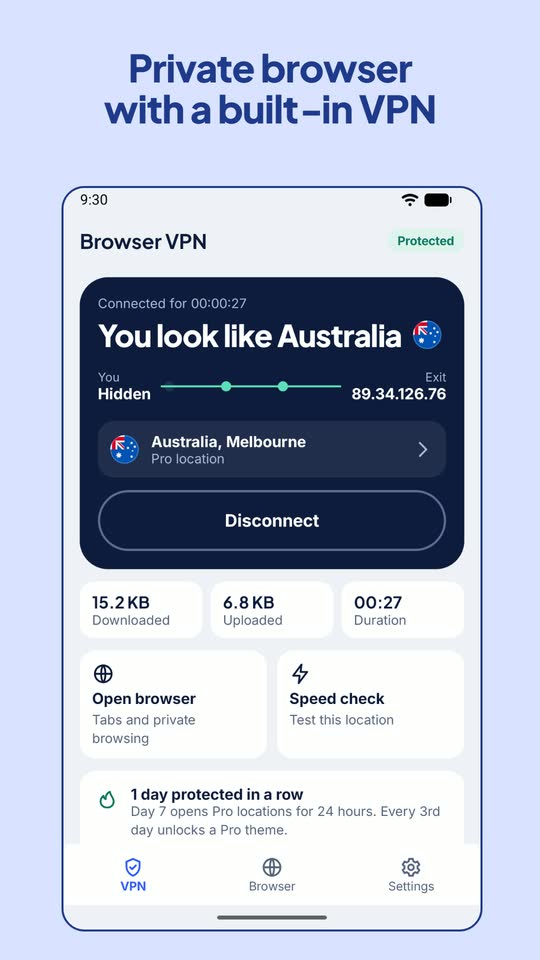
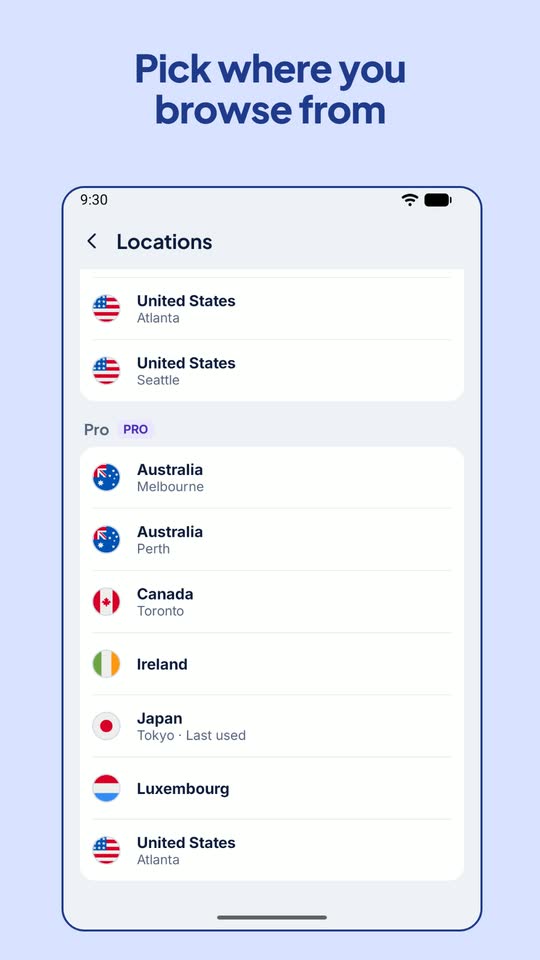
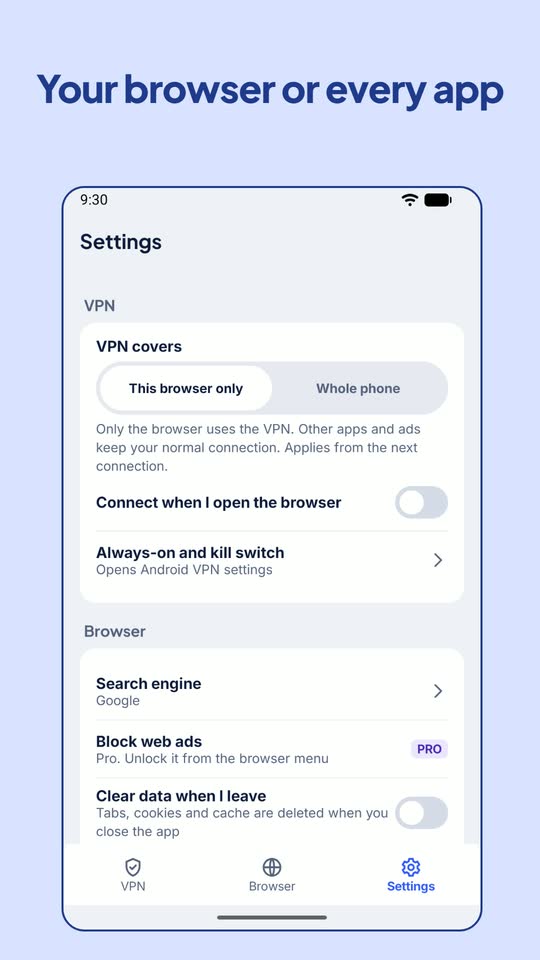
Browser VPN is a web browser with its own VPN. Pick a location, tap Connect, and the sites you open see that location's IP address instead of yours. By default only this browser uses the tunnel, so your other apps keep their normal connection; switch to Whole phone in Settings when you want every app covered. Private tabs keep nothing after you close them, and there is no account.
Features
- An encrypted OpenVPN tunnel through Android's VpnService, connected with one tap on Connect
- VPN for this browser only by default, or for the whole phone, with an option to connect when you open the browser
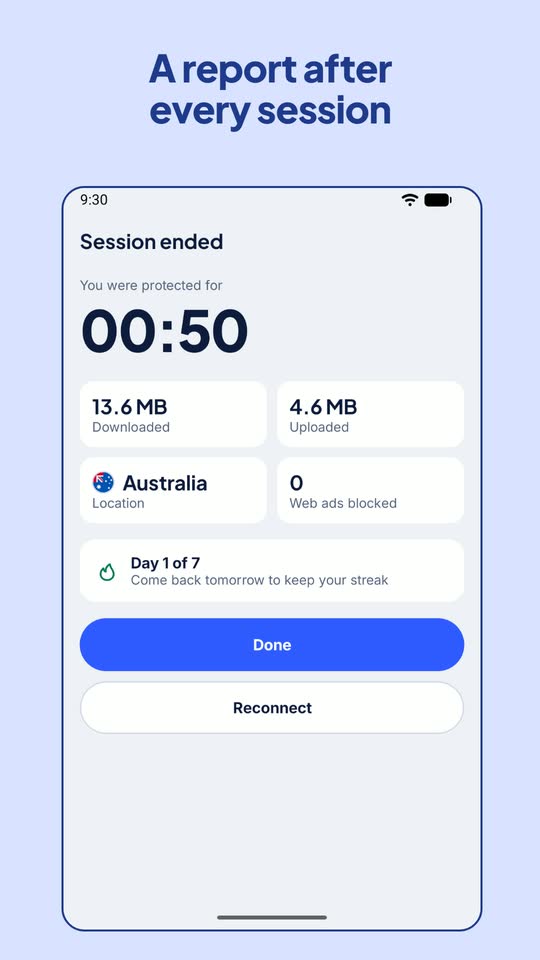
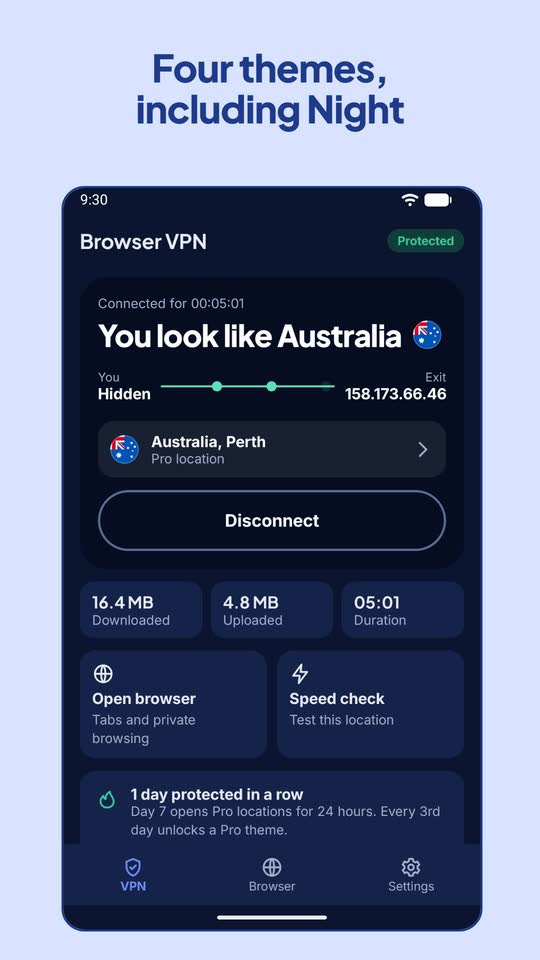
- Home shows the exit IP address websites see, the connection time and the data used; Disconnect ends with a session report
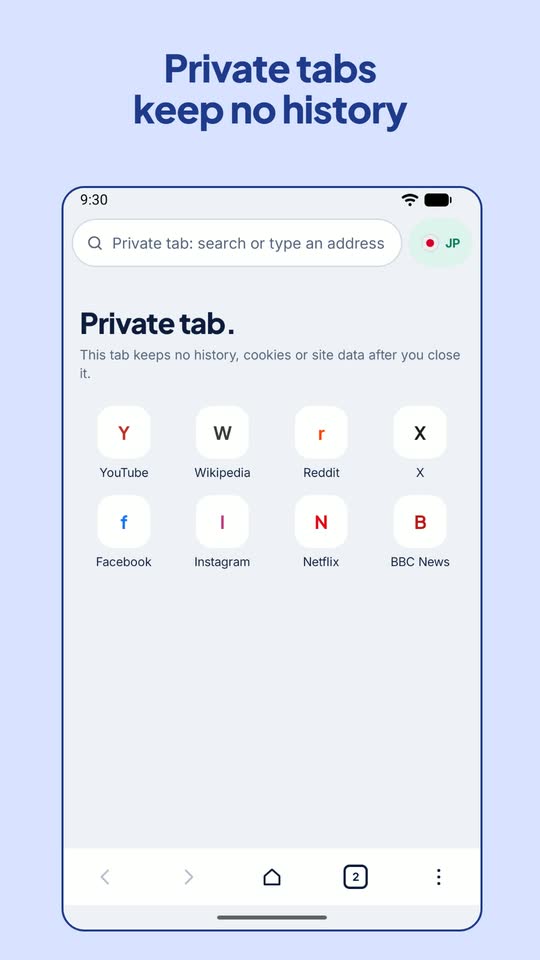
- Private tabs keep no history, cookies or site data after you close them, and Clear browsing data wipes tabs, cookies and cache in one tap
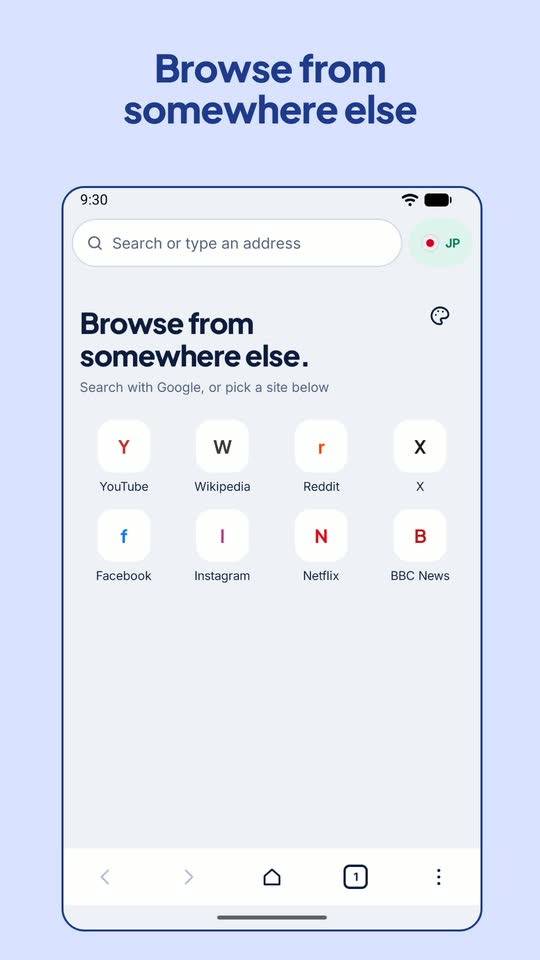
- Search with Google, DuckDuckGo, Bing or Startpage, with quick sites, file downloads, desktop site mode and a data saver that skips images
- Block web ads: one short, optional ad turns it on for 24 hours; three of those, or opening the browser on 10 different days, keep it for good
- Pro locations open for 2 hours after a short, optional ad, for 24 hours after 7 protected days in a row, or for a 10-minute preview once a day
- New tab styles: five gradient wallpapers and Circle or Outline tiles, kept for good after two short, optional ads or on day 5 of a protected streak
- Four themes: Cobalt, Night, Amber OLED and Fern; every 3rd day of a protected streak unlocks a Pro theme
- A VPN data notice explains what the VPN server and websites see before your first connection, and you can withdraw it in Settings