CannersDocs: PDF Scanner & OCR
Scan paper into clean, searchable PDFs, all on your phone
- App
- Document scanner
- OCR
- No account
About
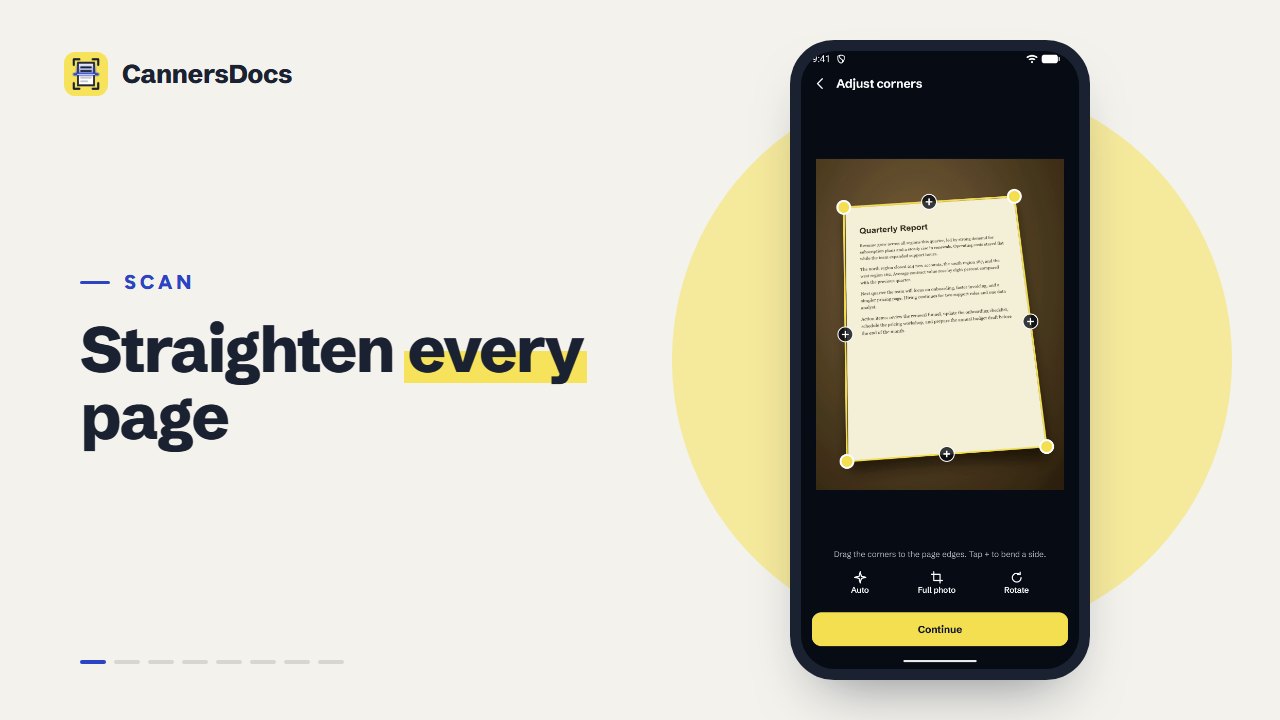
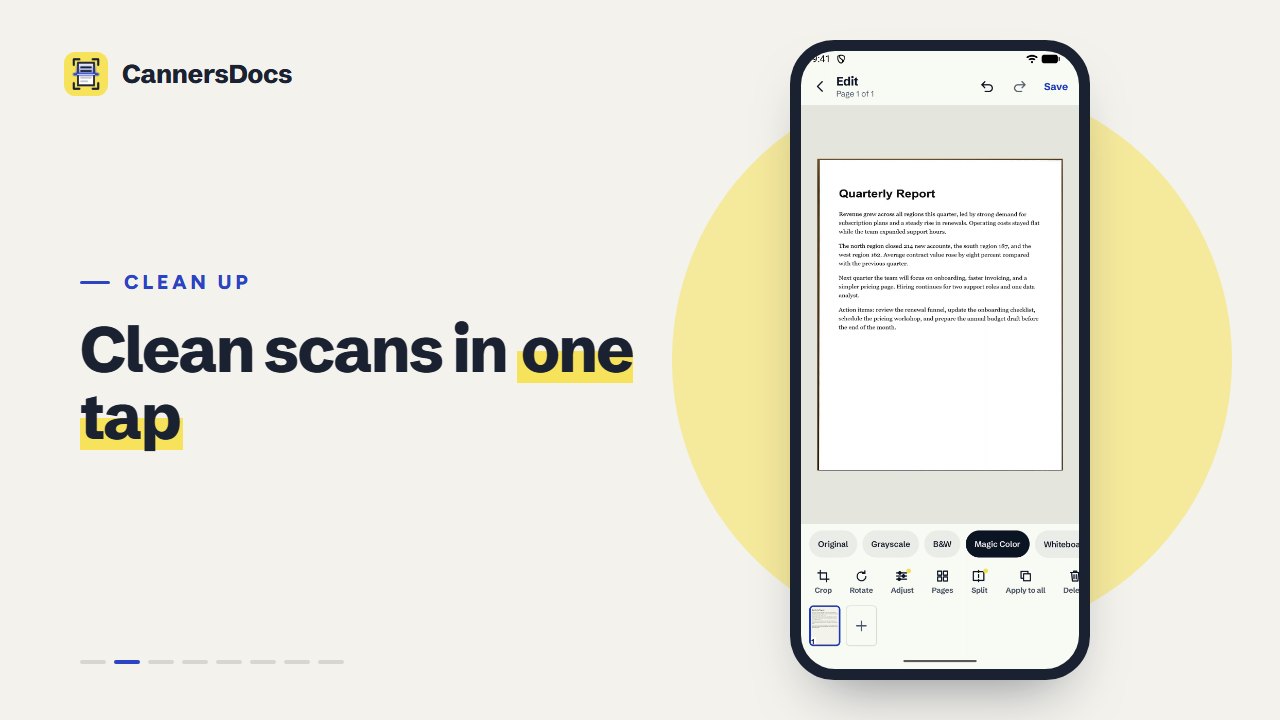
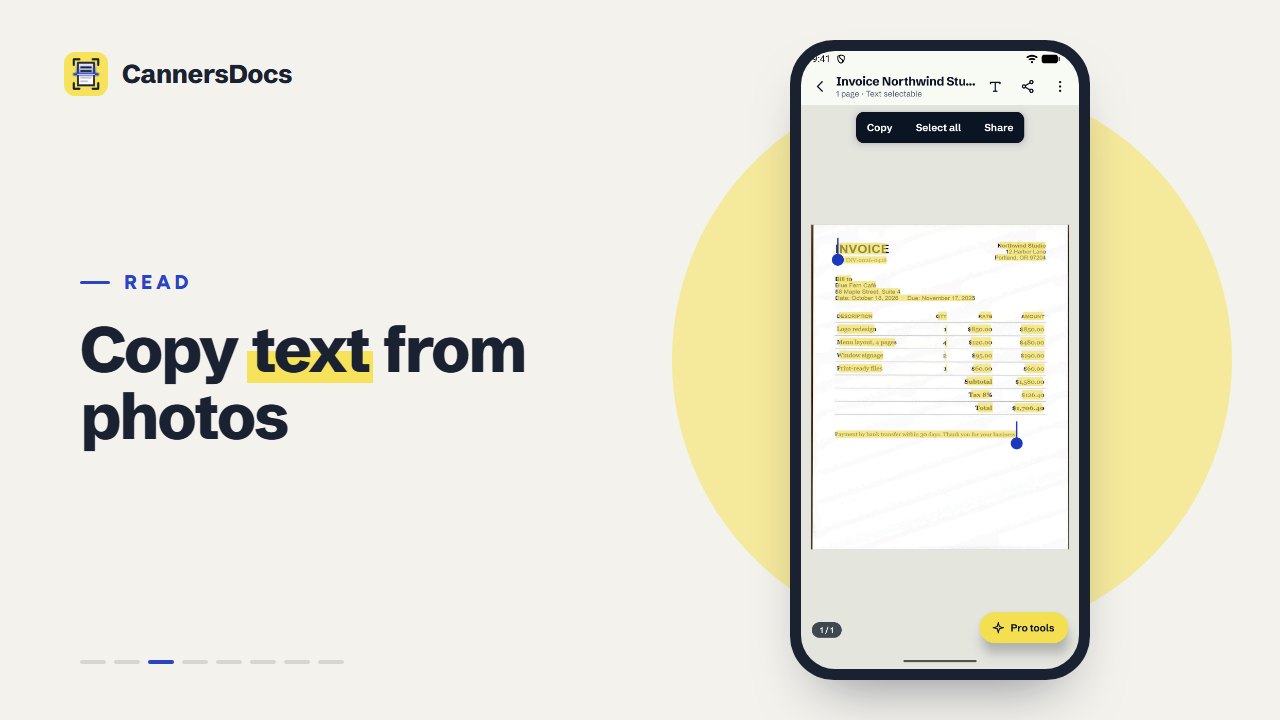
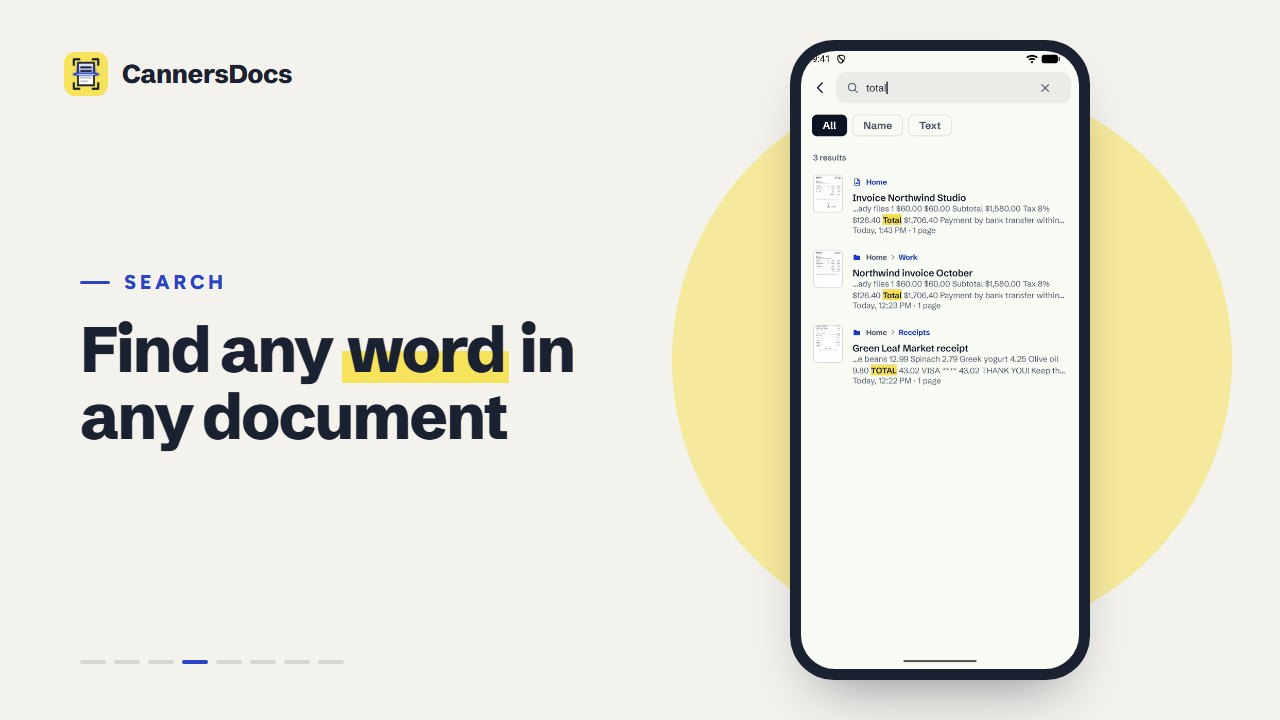
CannersDocs finds the edges of a page, straightens it, cleans it up and reads its text with on-device OCR. Every document lands in folders you can search by name or by the words inside it, and leaves as a PDF, JPEG or PNG only when you share it. There is no account, and nothing you scan is uploaded.
Features
- Live page outline in the camera, or import photos you already took
- Drag corners with a magnifier, and bend the outline around curved or creased pages
- Seven scan filters with automatic shadow removal, plus undo and redo
- On-device OCR: select and copy text, and export PDFs whose text can be searched
- Search every document by name, folder or the text on its pages
- Folders, multi-select, PDF (Letter, A4 or fit), JPEG and lossless PNG export
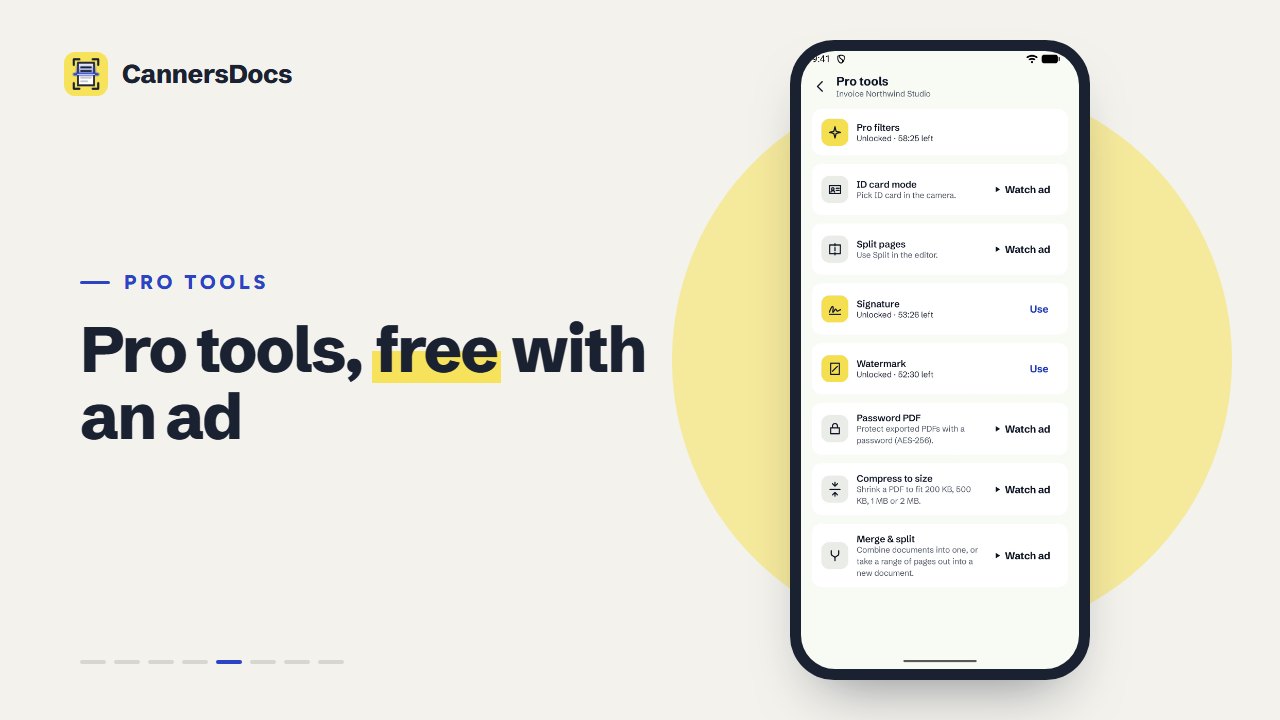
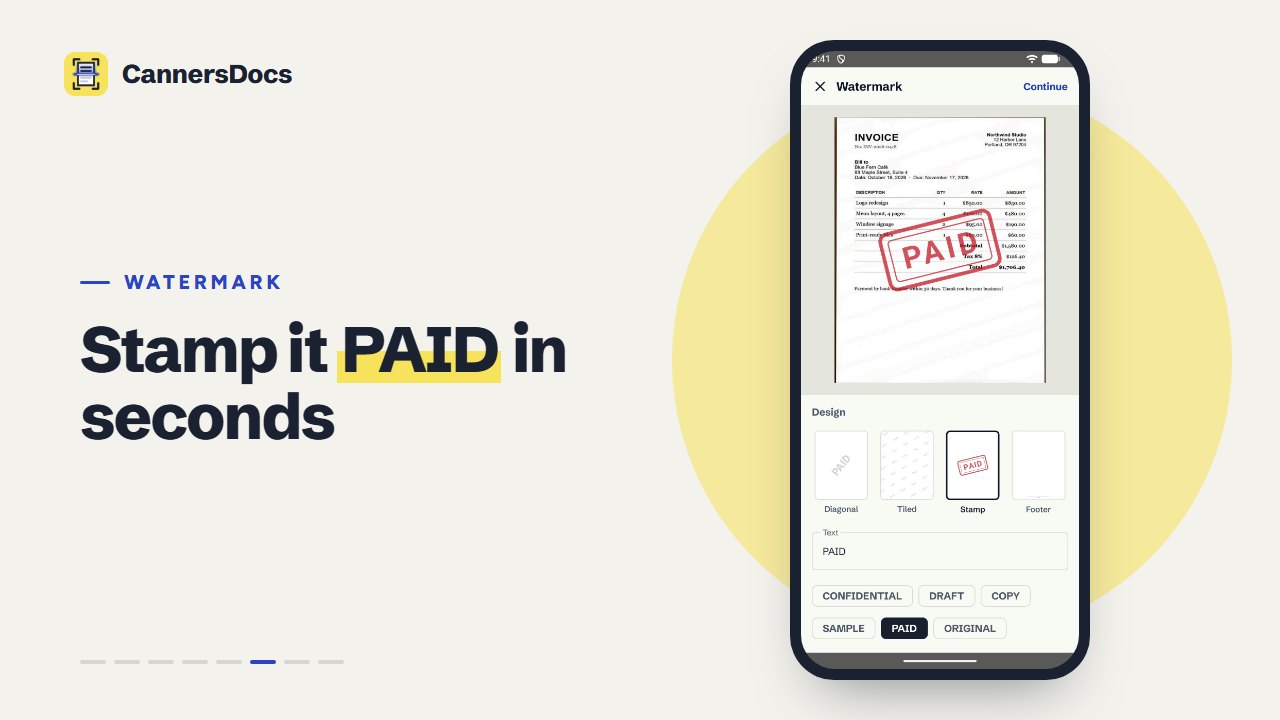
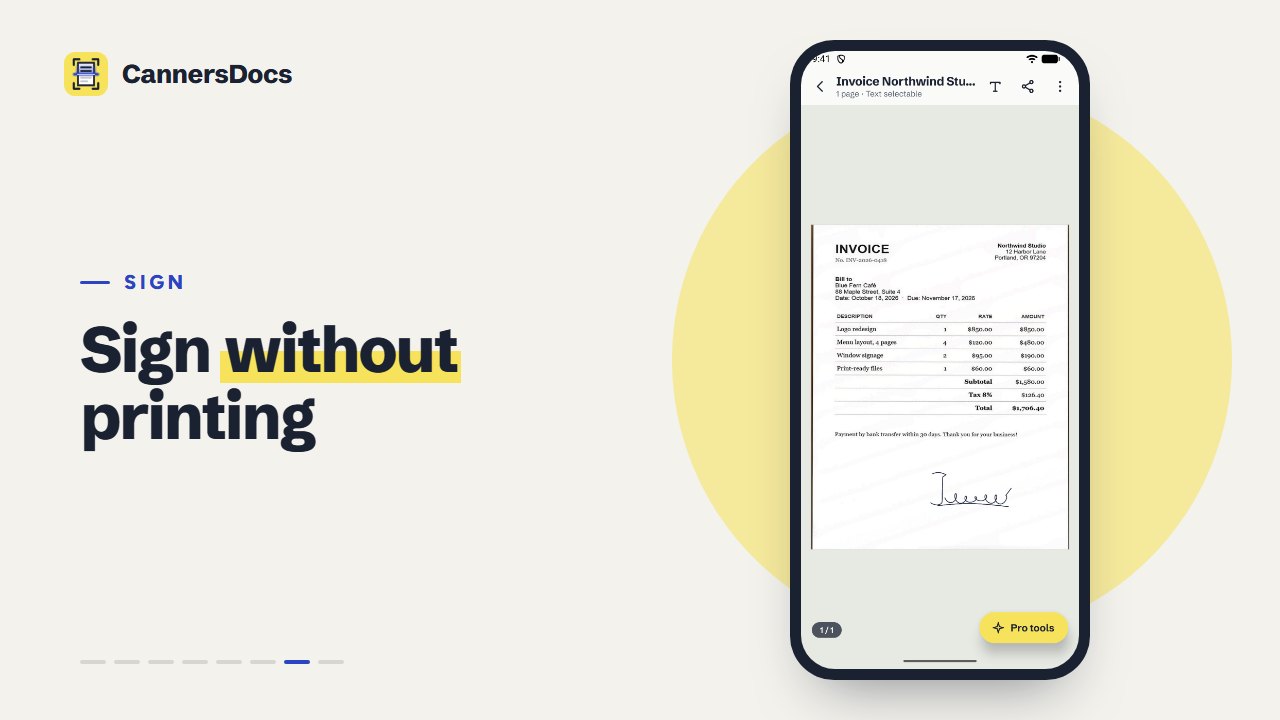
- Pro tools unlock one at a time for 60 minutes with one short, optional ad: signature, watermark, password PDF, compress to size, merge and split, and more
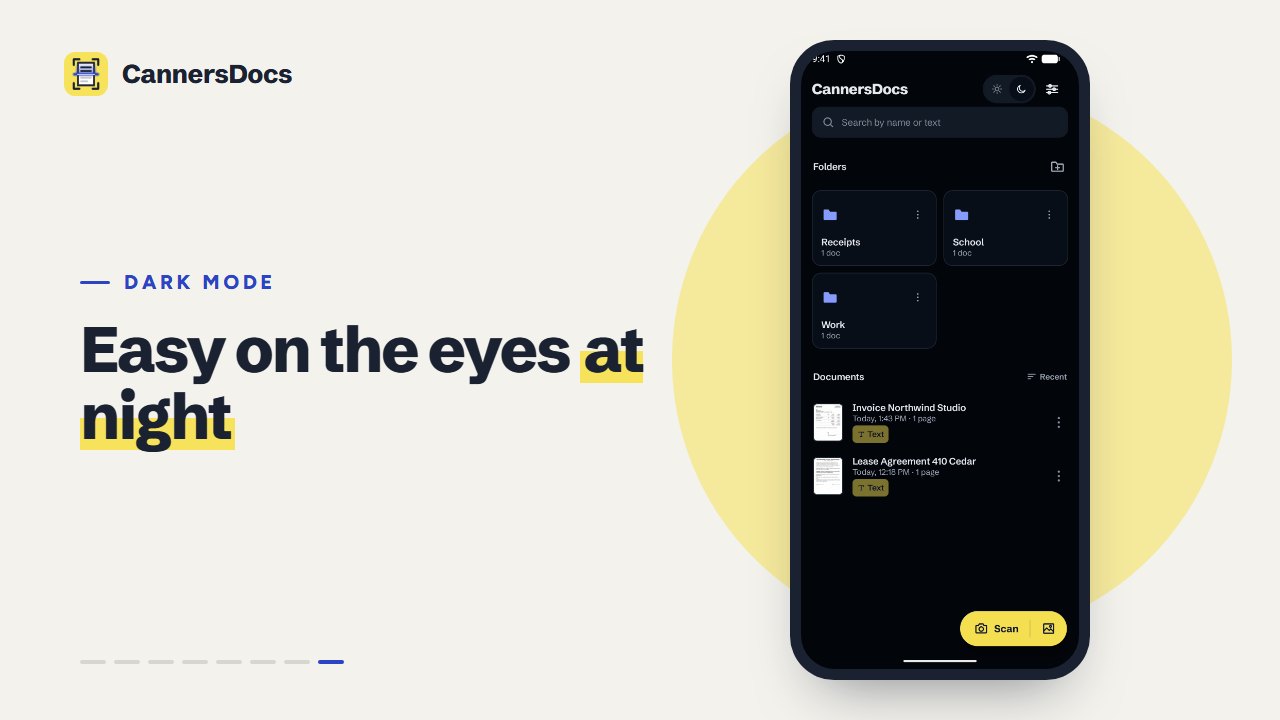
- Light or dark theme